

Content Creation Tools: The Four Jobs, and What You Can Skip
Most content operations need four tools, not fifteen: write, design, video, distribute. Organized by job rather than by brand, with each tool checked on its own site and the overlaps named.

Most content operations need four tools, not fifteen: something to write in, something to design in, something to edit video in, and something to schedule and measure with. Almost every "50 best tools" list is padding the same four jobs with alternatives.
So this guide is organized by the job rather than by the brand. For each job it names what the tool has to do, gives tools worth looking at, and is explicit about where two tools overlap enough that you only need one.
Every tool below was checked on its own site on 11 October 2026. Vendors change plans and limits frequently, which is exactly why this guide links to each vendor's page instead of reprinting prices that will be wrong within months.
The four jobs
What a content stack actually has to do
| Job | What it has to produce | How many tools you need |
|---|---|---|
| Write | Drafts, edits, and a consistent voice | One, plus whatever you already write in |
| Design | Graphics sized correctly per channel | One |
| Video | Cuts, captions, and vertical versions | One |
| Distribute | Scheduling, and numbers you can act on | One |
The reason this matters is cost discipline. Tools are bought per seat per month and are rarely cancelled, so a stack assembled from listicles compounds into a standing cost that nobody reviews. Adding a tool should require naming the job it does that nothing you own already does.
Writing
The job: get from blank page to a draft that sounds like you, then catch the errors.
Two distinct things get sold together here, and they are worth separating. Drafting assistance generates text. Editing assistance improves text you wrote. If your problem is a blank page, the first helps. If your problem is that your writing is fine but sloppy, the second is cheaper and less risky.
Grammarly sits in the editing half. Its own site describes paragraph rewrites to "improve clarity and flow with one click", tone suggestions to "adapt your message for the context", and proofreading. There is a free tier; it prompts "Sign up. It's free" on the homepage.
For drafting, the general assistants (Claude, ChatGPT, Gemini) have largely absorbed the category that purpose-built AI writing tools occupied. If you already pay for one, start there before buying a dedicated writing tool, and check whether it does the job before adding a second subscription.
One caution that applies to all of them. Generated drafts are a starting point, not a finished product, and publishing them unedited is the single fastest way to produce the kind of thin page that search engines and readers both discount. The tool removes the blank page. It does not remove the work.
Source: Grammarly, read 11 October 2026.
Design
The job: produce graphics at the right dimensions for each channel without a designer in the loop for every post.
Canva remains the default for non-designers, because its template library is organized by output format, which is the actual constraint most teams hit.
Figma is the other answer, and a different one. It describes itself as "the collaborative canvas for design, code, and AI" and is built for teams working in one file with shared context. If you have designers, they are probably already in Figma, and asking marketing to work somewhere else creates a handoff that did not need to exist.
The honest split: pick Canva if nobody on the team is a designer, Figma if somebody is. Running both is common and usually means two licence costs for one job.
Source: Figma, read 11 October 2026.
Video
The job: cut footage, caption it, and produce vertical and horizontal versions without a week of timeline work.
CapCut covers the social-video case. Its site describes an "AI-Powered Photo & Video Editor", a template library aimed at YouTube and Instagram formats, and an online version you can try "free" with "no credit card required".
Descript takes a genuinely different approach worth understanding before you choose. It is a "text-based editor" where, in its own words, "video editing is as easy as typing": it transcribes the recording and you edit the video by editing the transcript. For interview, podcast and talking-head content that is a large speed difference. For heavily visual editing it is the wrong shape of tool.
Pick on content type, not on feature count. Talking-head and podcast content goes to Descript. Fast-cut social video goes to CapCut.
Sources: CapCut and Descript, both read 11 October 2026.
Distribution and scheduling
The job: publish on a schedule across channels, and get numbers back that change what you do next.
Buffer prices by channel rather than by feature tier: "Only pay for the channels you use." Its free plan connects up to 3 channels with 10 scheduled posts per channel and 1 user account. That is a real free tier for a solo creator rather than a trial.
Hootsuite is the heavier option and one detail has changed since most roundups were written: there is no free plan. Its plans page offers a "Free 14-day trial" with "No credit card required", starting at a Standard plan that manages up to 10 social accounts, priced per user per month. If you read an older list that put Hootsuite in a "best free tools" section, that is out of date.
This is the category where the free tier matters most, because scheduling is the job you will do every week forever. Start free, and upgrade when a specific limit actually blocks you rather than in anticipation.
Sources: Buffer pricing and Hootsuite plans, both read 11 October 2026.
What you can skip
The fastest way to improve a content stack is usually to remove something.
A separate research tool, at first. Google Trends is free and answers the question most paid research tools are bought for: is interest in this topic rising or falling. Start there and buy a research tool when you have a question Trends cannot answer.
A second design tool. Canva and Figma overlap heavily for marketing output. Most teams that run both are paying twice because one team prefers each.
Dedicated AI writing subscriptions, if you already pay for a general assistant. Check what you have before adding to it.
Analytics tools that duplicate your platform's own reporting. The native analytics in each channel, plus your site analytics, cover most decisions. A dashboard that aggregates them is a convenience purchase, which is fine, as long as you know that is what you are buying.
How to choose without re-litigating it every quarter
A decision process that holds up
- 01
Name the job and the bottleneck
Before shortlistingWrite down which of the four jobs is actually slow. 'We need better content' is not a bottleneck. 'It takes two days to caption and crop one interview' is.
- 02
Check what you already pay for
30 minutesThe majority of new tool purchases duplicate something already in the stack. This step is dull and it is where the savings are.
- 03
Trial on real work, not a demo file
One cycleRun one genuine piece of work end to end. Demos are built to look fast; your actual footage, brand constraints and approval chain are what you are testing.
- 04
Decide on the bottleneck, not the feature list
After the trialThe longest feature list usually wins a comparison table and loses the week. Choose the tool that removed the specific delay you named in step one.
- 05
Put a review date on it
Every 6 monthsPer-seat tools accumulate silently. A standing review is the only thing that reliably catches a licence nobody has opened since onboarding.
On prices
This guide deliberately does not quote monthly prices. Vendors change plan structures, limits and pricing often enough that any figure printed here would be wrong before it was useful, and a confidently wrong price is worse than no price. Each tool above links to its own pricing page, which is the authority on what it costs today.
The same reasoning applies to "best of" rankings pinned to a year. The tools worth using change slowly; the lists change annually because the format demands it, not because the answer moved.
If you want help deciding which of these a specific team actually needs, our content and growth work starts with the bottleneck rather than the shortlist.
Sources
All read on 11 October 2026. Vendors are the authority on their own current plans and limits, and these pages change.
Key takeaways
- Buffer prices by channel rather than by feature tier, and its free plan connects up to 3 channels with 10 scheduled posts per channel.
- Google Trends answers the rising-or-falling question most paid research tools get bought for, at no cost.
- Trial a tool on one genuine piece of work rather than a demo file, since demos are built to look fast.
- Per-seat tools accumulate silently, so a standing six-month review is the only reliable way to catch unused licences.
Questions people ask about this
Sourced from client conversations, Search Console, and AI-search citation monitoring.
- Software that covers one of four jobs: writing and editing copy, designing graphics at the right dimensions per channel, editing video including captions and vertical crops, and scheduling and measuring distribution. Most teams need roughly one tool per job. Lists of fifty tools are generally listing alternatives for the same four jobs rather than fifty distinct capabilities.
- Canva if nobody on the team is a designer, because its templates are organized by output format, which is the constraint most marketing teams hit. Figma if you have designers, since they are likely already working there and splitting the work across two tools creates an unnecessary handoff. The two overlap enough for marketing output that running both usually means paying twice for one job.
- No. As of 11 October 2026 Hootsuite's plans page offers a 14-day free trial with no credit card required, with the entry-level Standard plan priced per user per month and managing up to 10 social accounts. Older roundups that list Hootsuite among free tools are out of date. Buffer does still offer a genuine free tier, connecting up to 3 channels with 10 scheduled posts per channel and 1 user account.
- CapCut is a conventional AI-assisted video editor aimed at social formats, with a template library for YouTube and Instagram and a free online version. Descript is a text-based editor: it transcribes the recording and you cut the video by editing the transcript, which it summarizes as video editing being "as easy as typing". That suits interviews, podcasts and talking-head content, and is the wrong shape of tool for heavily visual editing.
- A dedicated research tool at first, since Google Trends answers the rising-or-falling question for free. A second design tool, because Canva and Figma overlap. A separate AI writing subscription if you already pay for a general assistant that drafts. And aggregation dashboards that duplicate the native analytics in each channel, which are a convenience purchase rather than a capability one.
Keep reading
Related articles.
More on the same thread, picked by tag and category, not chronology.
Google Maps Ads: What You Can Buy
There is no Google Maps campaign type. Google states you cannot serve ads exclusively in Maps. Here are the four Maps ad formats, the campaigns that produce each one, what you must link first, how the inventory bills, and when the spend is not worth it.
 Samrina Khan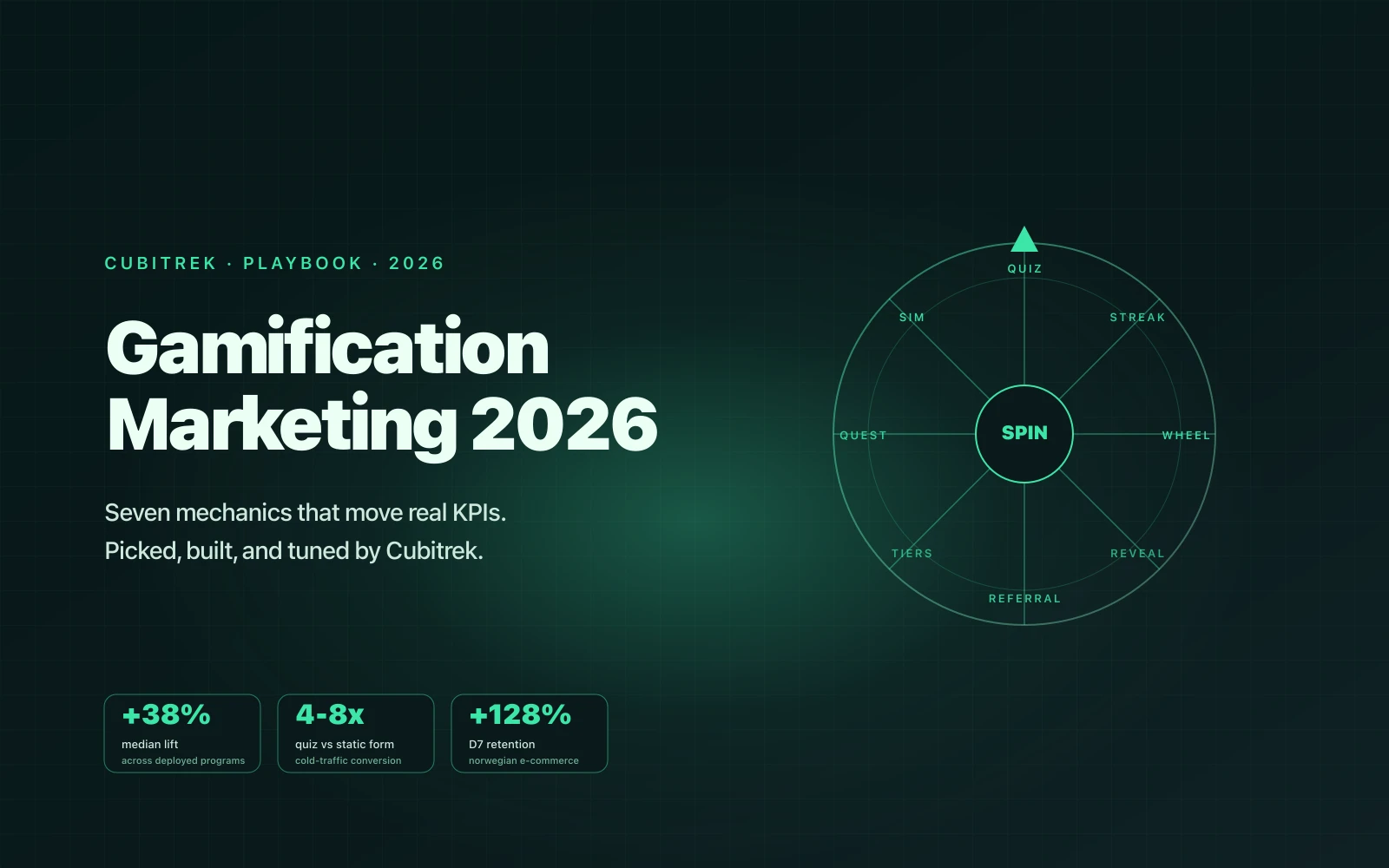
Gamification Marketing 2026 Playbook
Seven gamification mechanics that move real marketing KPIs in 2026. Quizzes, spin wheels, streaks, tier programs, onboarding quests, two-sided referrals, and learning sims.
Faizan Ali Khan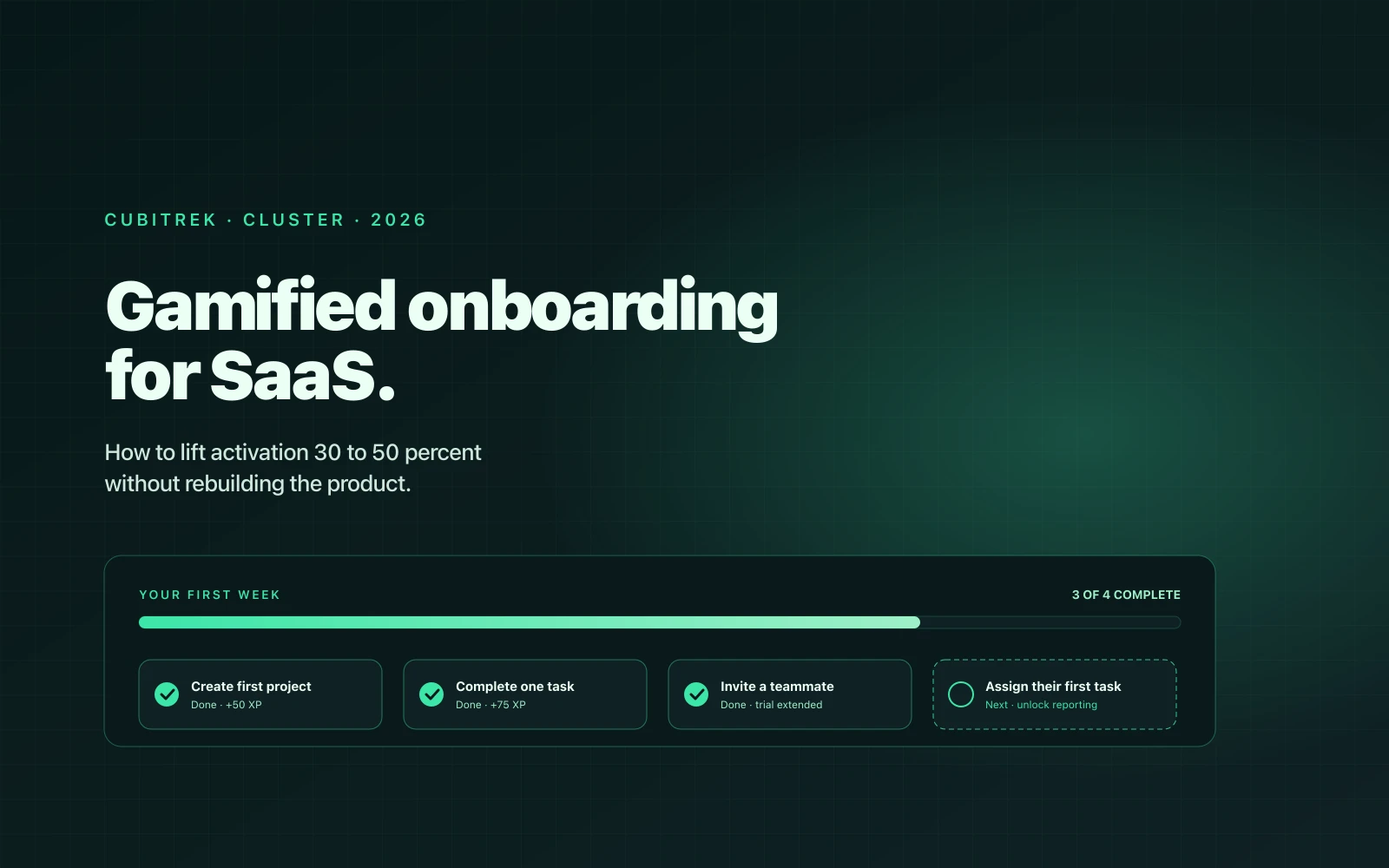
Gamified SaaS Onboarding
The implementation guide. Why gamified onboarding works (the boring research-backed part), the four mechanics that move SaaS activation, and a Cubitrek case study with 78 percent lift in net new paying customers.
Faizan Ali KhanReady when you are
Want Cubitrek to run Mobile App Development for you?
We install mobile app development programs for growing companies across the US and Europe. Book a call and we'll come back with a one-page plan in 72 hours.